Exciting News: LucentHost is now an official Multi-Member LLC! Thank you for growing with us. Read it
Exciting News: LucentHost is now an official Multi-Member LLC! Thank you for growing with us. Read it
Switching host is the part everyone puts off, usually because they're afraid of breaking something. So we do it for you, no extra cost.
Most migrations are done within 24 hours of us getting access. Larger sites or unusual setups take longer, and we'll tell you upfront if yours is one.
Tell us the domain and give us your current host's control panel login, or a full backup if you'd rather not share credentials.
Files, databases, email accounts and their contents, cron jobs and any DNS records you're using. Your live site keeps running untouched throughout.
We give you a preview link so you can click through the site on our servers before anything points here. This is when problems get found, not after.
Once you're happy, change the nameservers. We'll tell you exactly what to set and stay available while DNS propagates.
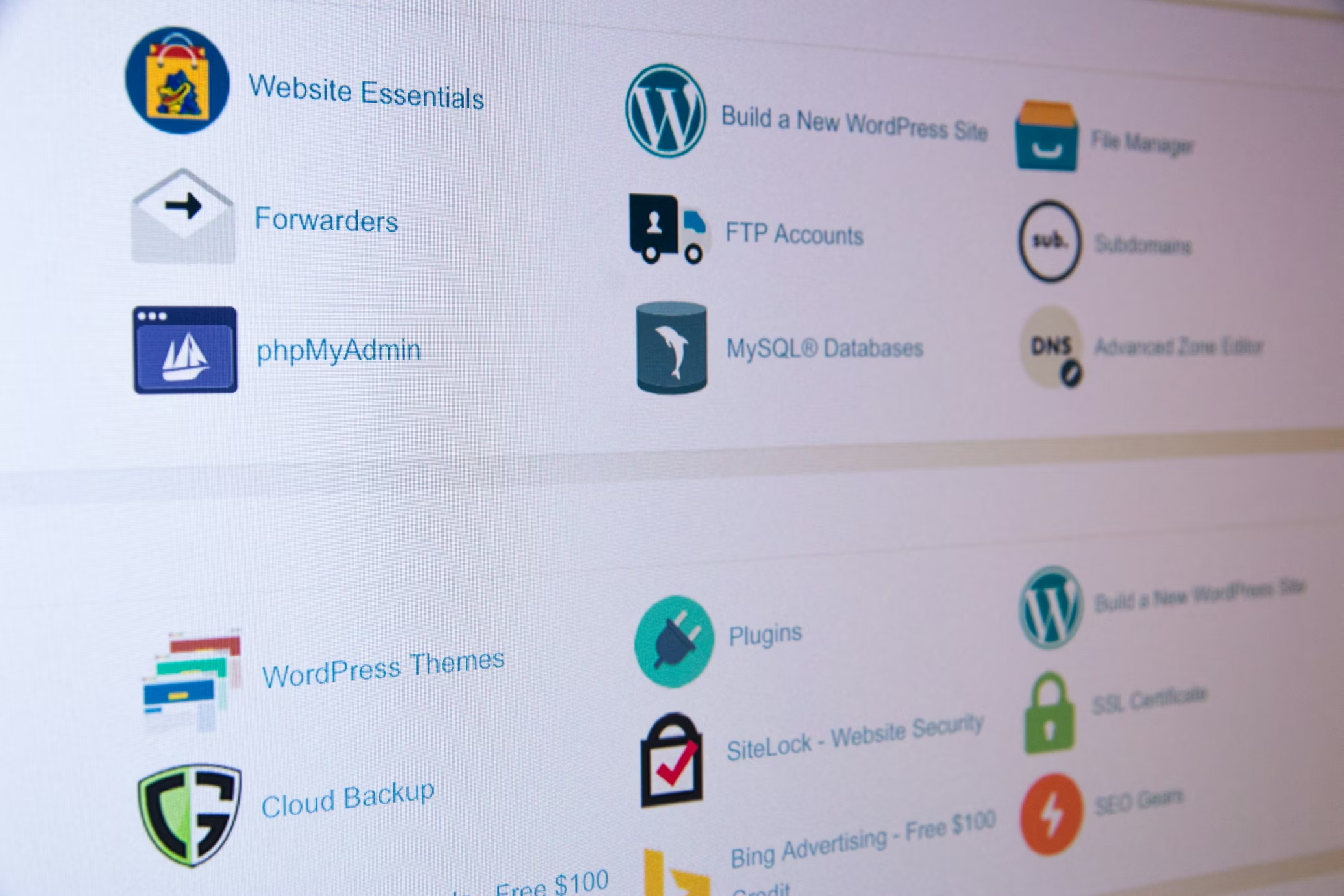
A migration isn't just the files. It's everything that makes the site work the same way afterwards.
Your whole public directory including themes, plugins, uploads and anything custom, with file permissions preserved so nothing breaks on arrival.
Exported and imported with the connection details updated in your configuration, so the site connects on the new server without you editing anything.
Mailboxes are recreated and existing mail copied where your current host allows it. This is the part most people forget until their inbox is empty.
Scheduled tasks are recreated so backups, imports and anything else running on a timer keeps running.
We replicate your existing records before the switch, so third-party services and verification records keep working when the nameservers change.
A fresh certificate is issued on our side and renews automatically. Nothing to buy and nothing to install.
The honest answer, rather than a marketing one.
Your website should not go offline. Because we build a working copy on our servers before anything is pointed at us, there's no window where the site exists in neither place. When you change the nameservers, visitors are sent to a site that's already up and tested.
If something unexpected does come up during the switch, we deal with it immediately, any interruption should be minutes rather than hours.
During DNS propagation usually a few hours, occasionally up to 48hours, some visitors reach the old server and some reach the new one. Both are running, so both see a working site. We leave your old host's copy alone, so you can switch back if anything unexpected comes up.
Email is where care is needed. While DNS is propagating, mail can be delivered to either server. Anything landing on the old one won't appear in your new mailbox. If you rely on email, plan the switch for a quiet period, keep the old account open for a few days, and check both inboxes until propagation settles.
There are setups that need more planning like busy stores taking orders continuously, sites with large databases, or applications with background jobs that can't be interrupted. Tell us upfront and we'll agree an approach before we start rather than discovering it midway.
Having these ready is the difference between a migration finished today and one that takes a week of back-and-forth.
cPanel, Plesk or DirectAdmin login is easiest. If you'd rather not share it, a full backup file works just as well, we'll tell you how to generate one.
You'll need to change nameservers at whoever the domain is registered with. That's yours to do, though we'll tell you exactly what to enter.
Custom server software, a non-standard PHP version, payment integrations, a staging site. Surprises found halfway through are what turns a one-day job into a week.
Pick a quiet period for your business rather than a Monday morning. You choose it and we'll be around whenever you decide.
